You can reactivate a Payroc App API key that you previously deactivated in the Self-Care Portal.
To reactivate a Payroc App API key, complete the following steps:
- Sign in to https://payments.payroc.com/merchant/selfcare.
- On the side menu, select Settings, and then select API Keys.
- To view the Payroc App API keys that you've deactivated, select the Revoked tab.
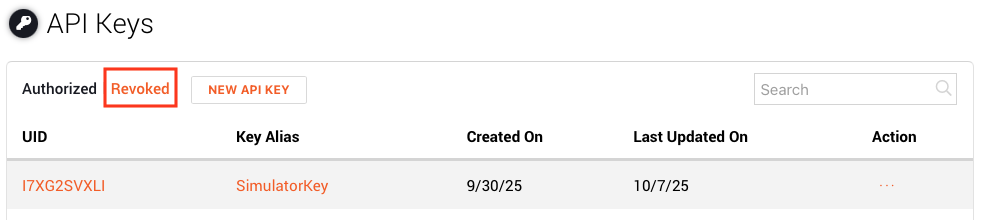
Locate the API key that you want to reactivate.
Note: You can use the search function to search by the Key Alias that you assigned to the key when you created it.From the Action column, select , and then select Authorize.
Select OK.